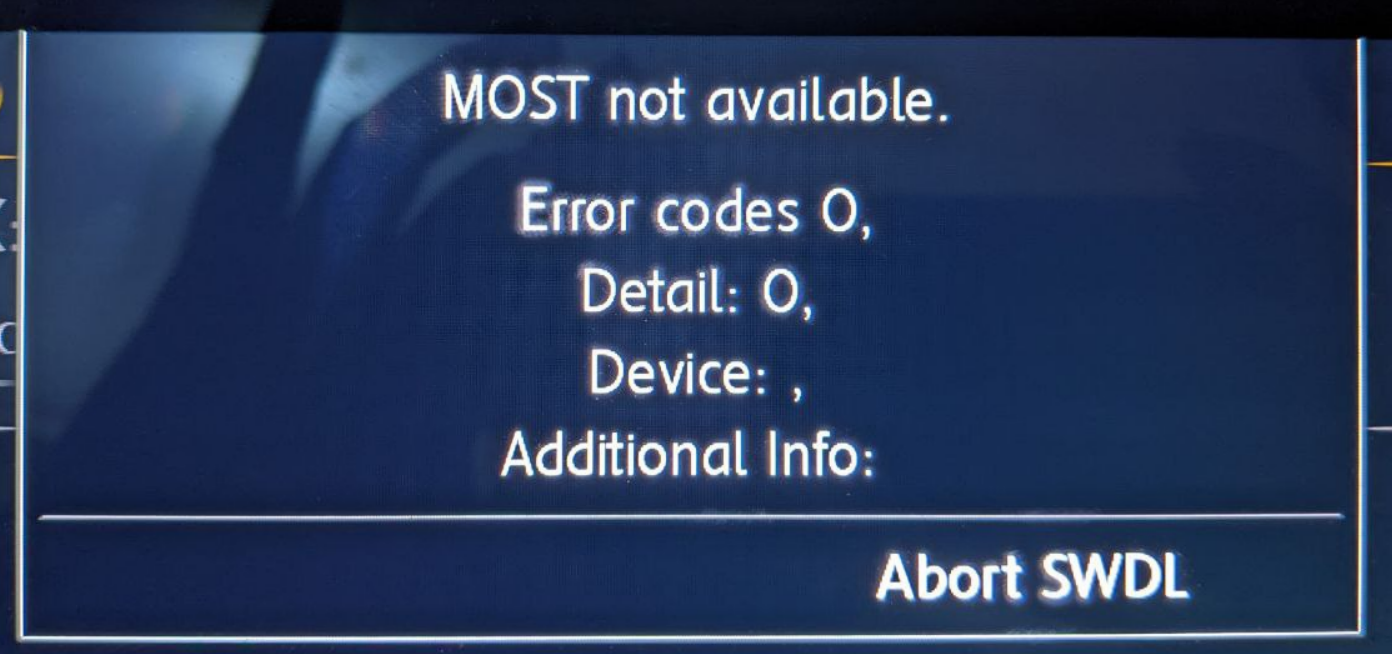
error - MOST not available
Depending on unit configuration you get a MOST not available error during FW installation, if MOST is not connected to unit - e.g. you are working on bench.
How to clear error
info
[Option 5](/MHI2 MHI2Q Harman Aisin/Recovery/Conversion & Cross-flashing/FW Update - SWDL/error - MOST not available//#h-option-5-the-winner) is recommended! Using M.I.B beta 3.x.x and newer
Option 1
Remove MOST coding (external AMP, VC/AID) from unit
Option 2
use MOST loop cable on the back of the unit
 Option 3
Use skipMostPopup.txt flag on unit.
- Enter with Putty:
touch /net/rcc/mnt/efs-persist/SWDL/skipMostPopup.txt
Option4
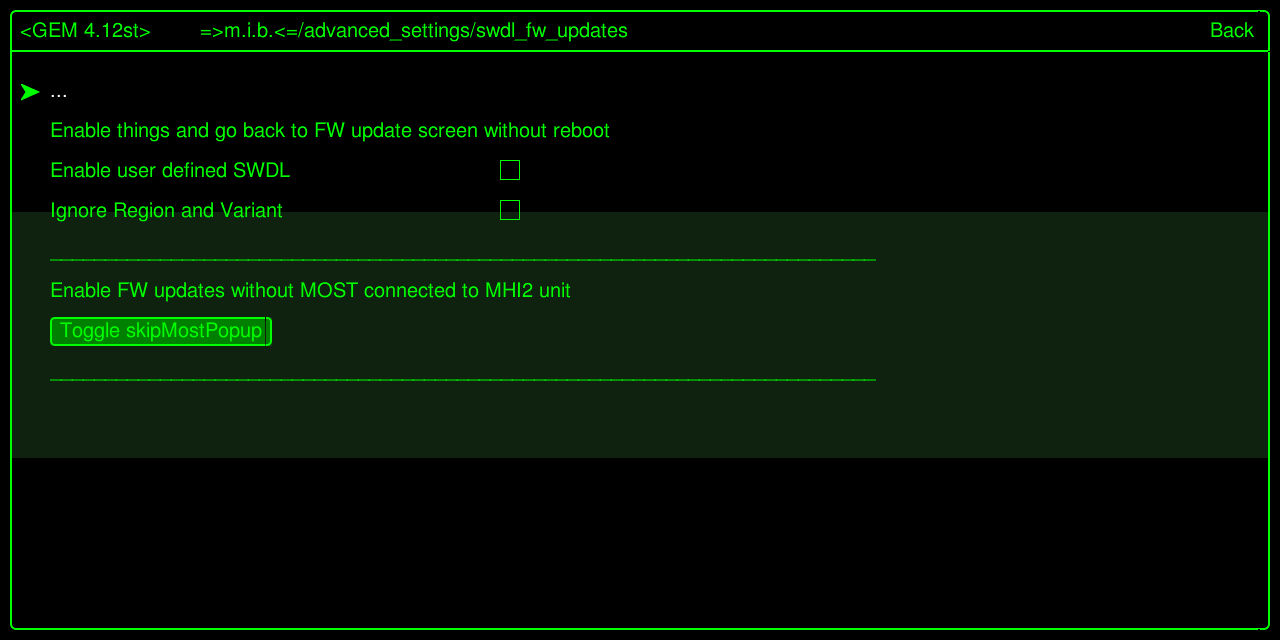
use M.I.B function - Toggle skipMostPopup
Option 5 - the winner!
info
Just install M.I.B on system - skipMostPopup.txt - will be set during installation